
Support centre
How can we help?
Pick your product to see its setup and troubleshooting videos, or search by model number.
23 videos
 Troubleshooting
How to take backup cctv footage by Laptop PC
Cctv backup by Laptop with VMS lite software
 Troubleshooting
How to manage Nvr picture serially & move the camera from one channel to another
Manage ip camera picture serial wise with NVR
 Troubleshooting
How to take backup of CCTV footage by XMeye mobile app
Download cctv recording by XMeye mobile app
 Troubleshooting
How to fix Ahd camera black & white picture issue
 Troubleshooting
How to playback cctv recording by Laptop PC with VMS lite
Cctv playback by VMS lite software through Laptop
 Troubleshooting
How to share XMeye Dvr & Nvr Mobile viewing to anyone in another city or country
Share Dvr mobile viewing to anyone with Xmeye app
 Troubleshooting
How to change default username and password for Dvr & Nvr
Change default username & password for Xmeye DVR & NVR
 Troubleshooting
Host ip and other devices within the lan ip conflict ! issue?
 Troubleshooting
How to fix Dvr input signal out of range issue showing in the Monitor
Input signal out of range problem?
 Troubleshooting
How to Smart playback of Sintech Dvr with monitor
 Troubleshooting
How to enable Cloud recording for Dvr & Nvr with XMeye pro app
Cloud recording setup for XMeye DVR & NVR
 Troubleshooting
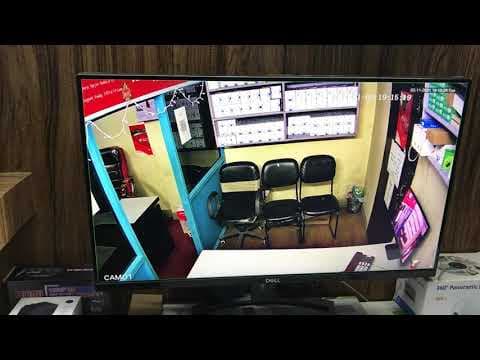
How to fix dvr & nvr restart problem, stuck on boot logo & system hang issue
DVR hang & restart, stuck on boot logo ?
 Troubleshooting
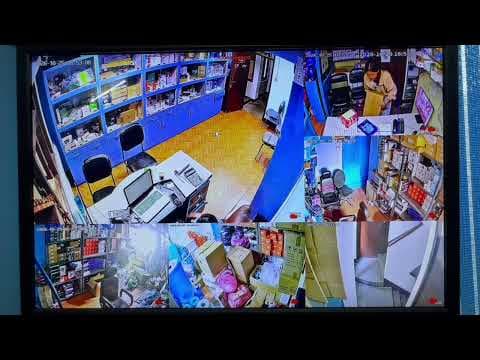
How to fix Dvr & Nvr not recording problem
cctv camera not recording issue ?
 Troubleshooting
How to take CCTV Backup in Pen-drive & playback in laptop PC
Take cctv camera backup in Pendrive & play in Laptop
 Troubleshooting
How to reset password for Xmeye Dvr or Nvr
Dvr Nvr Password reset process
 Configuration
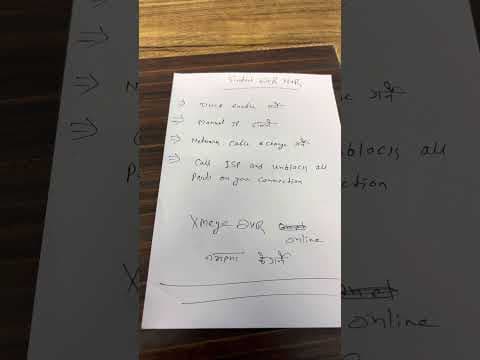
How to setup Laptop view for Dvr & Nvr through VMS lite software
Laptop view setup of Xmeye DVR & NVR
 Configuration
How to fix Nvr & Dvr can't connect to internet for Mobile view
Dvr Nvr can't connect to the internet ?
 Troubleshooting
Sintech Nvsee NVR remote view by Laptop or Computer
 Troubleshooting
Sintech XMeye DVR remote viewing by Computer or laptop
 Troubleshooting
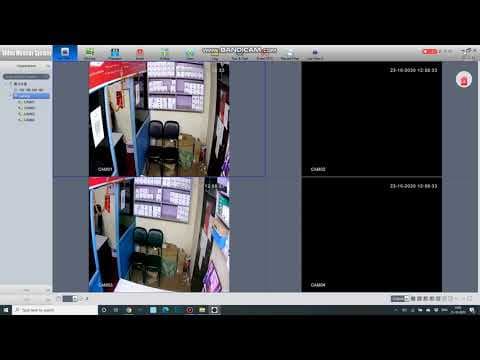
How to access live view Sintech cctv camera with Xmeye DVR/NVR on Computer or Laptop (VMS)
 Troubleshooting
How to setup Sintech Nvsip Dvr/Nvr for remote viewing by Mobile
 Troubleshooting
How to setup Sintech dvr nvr for live view cctv camera by mobile (Xmeye dvr online setting 2023)
 Troubleshooting
SINTECH Xmeye DVR Mobile viewing setup
Warranty and repairs
Bought from a Sintech partner? Contact them first and they will handle the claim with us. Partners raise warranty claims and track repairs in the partner portal.