
Support centre
How can we help?
Pick your product to see its setup and troubleshooting videos, or search by model number.
110 videos
 Troubleshooting
Features & introductions of Wireless Restaurant Pager system
 Troubleshooting
Introductions of Office Assistant wireless calling system
 Configuration
How to setup Y650 wireless (waiter or nurse) calling watch
Y650 Wireless calling watch setup with call buttons
 Troubleshooting
Features & introductions of Wireless nurse calling system
 Troubleshooting
Features & introductions of Wireless waiter calling system
 Troubleshooting
How to Reset 831R Sintech wireless waiter calling system
Factory restore of ST-831R Wireless waiter calling system
 Troubleshooting
How to RESET 833R Sintech wireless waiter calling system
Factory restore of ST-833R wireless waiter calling system
 Configuration
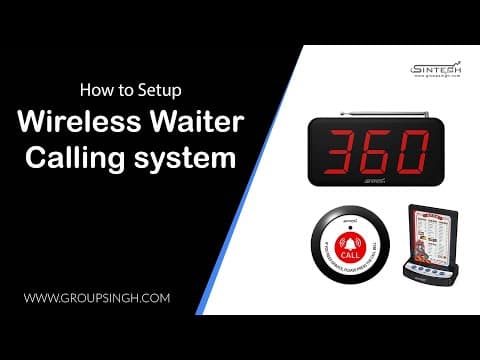
How to setup 833R wireless waiter calling system with call buttons
ST-833R Wireless waiter calling system setup & programming
 Configuration
How to setup 831R wireless waiter calling system with call buttons
ST-831R Wireless waiter call system setup & programming
 Configuration
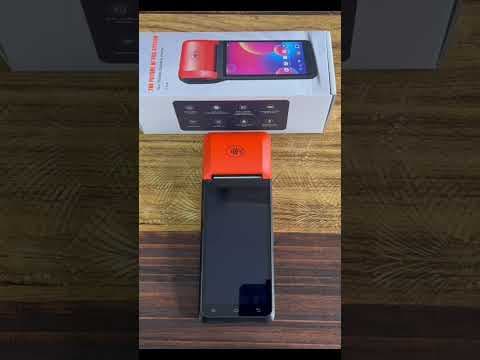
How to setup 834R Waiter calling system with call buttons
ST-834R Wireless waiter calling system setup
 Troubleshooting
How to enable PC data transfer setting for Handheld Android POS
Enable data transfer with PC in Android POS machine
 Troubleshooting
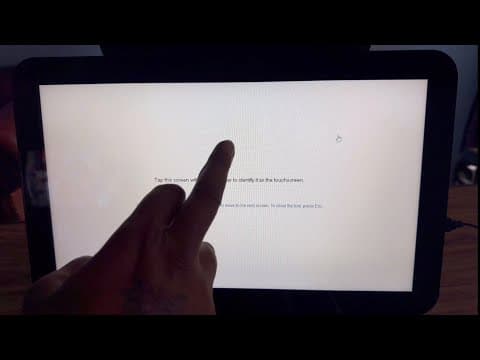
How to calibrate screen & fix touch issue in POS machine
Fix screen touch problem & calibrate touch sensor
 Troubleshooting
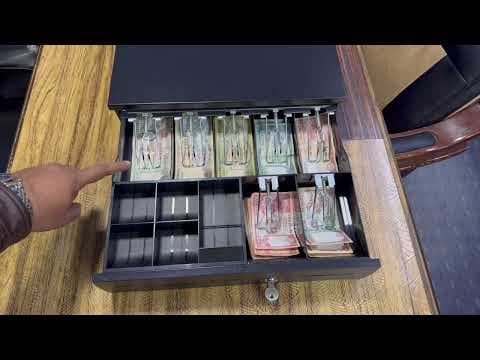
Automatic Cash drawer Features & introduction video
 Troubleshooting
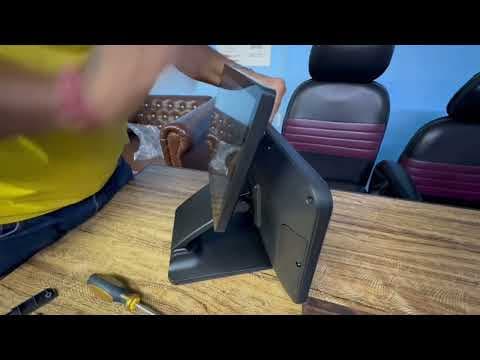
How to fit client screen with Sintech POS Machine system 602Di5
2nd Screen fitting process in POS Machine
 Installation
How to install Windows 10 & 11 in POS Machine System with bootable USB Pendrive
Windows installation process with bootable USB Pendrive
 Troubleshooting
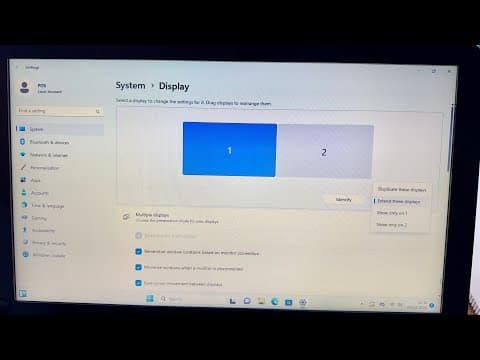
How to Calibrate screen touch in Windows 11 POS Machine
Fix Touch issue when enable "Extend these display" in POS machine
 Troubleshooting
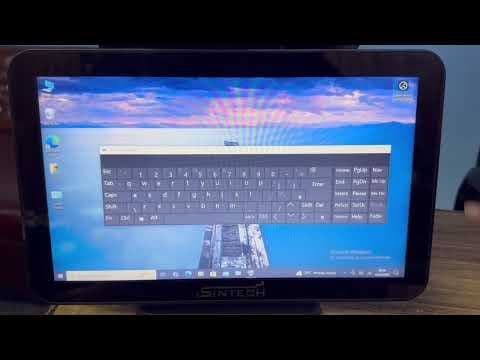
How to use on screen keyboard in Windows 10 with POS machine
On screen keyboard enable in Windows 10
 Troubleshooting
How to use onscreen keyboard in Windows 11 with POS machine
On screen keyboard enable in Windows 11
 Configuration
How to setup Smart Wifi School Bell system with Tuya Mobile app
Smart School bell setup with Tuya Mobile app
 Troubleshooting
How to increase recording time with simple settings for ICsee wifi camera
increase recording time with simple settings for Sintech wifi camera
 Troubleshooting
How to take backup cctv footage by Laptop PC
Cctv backup by Laptop with VMS lite software
 Troubleshooting
How to manage Nvr picture serially & move the camera from one channel to another
Manage ip camera picture serial wise with NVR
 Configuration
How to setup time & date for ICsee wifi cameras
Time & Date setup for ICsee wifi camera
 Troubleshooting
How to take backup of CCTV footage by XMeye mobile app
Download cctv recording by XMeye mobile app
 Troubleshooting
How to find username and password of ICsee wifi camera
Find username & password of ICsee wifi camera
 Troubleshooting
How to fix Ahd camera black & white picture issue
 Troubleshooting
How to playback cctv recording by Laptop PC with VMS lite
Cctv playback by VMS lite software through Laptop
 Configuration
How to setup notification alert with picture for ICsee wifi camera
Notification alert setup for ICsee wifi cameras
 Troubleshooting
How to flip the picture upside down for ICsee wifi camera
Flip the picture upside down for ICsee wifi camera
 Troubleshooting
How to share XMeye Dvr & Nvr Mobile viewing to anyone in another city or country
Share Dvr mobile viewing to anyone with Xmeye app
 Troubleshooting
How to disable & turn off mic audio recording in ip camera
Stop audio recording for ip cameras
 Troubleshooting
How to enable full color night vision for ICsee wifi camera
Full color & smart color night vision setup
 Troubleshooting
How to change default username and password for Dvr & Nvr
Change default username & password for Xmeye DVR & NVR
 Troubleshooting
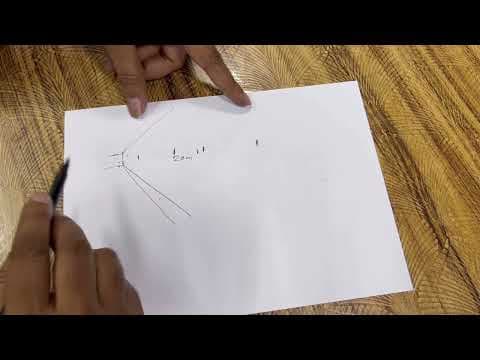
How to choose perfect veri-focal zooming ahd & ip camera
(cctv camera zooming feature explanation)
 Troubleshooting
How to turn on & off Auto human motion tracking feature for ICsee wifi camera
Human & Motion tracking enable for ICsee wifi camera
 Troubleshooting
Host ip and other devices within the lan ip conflict ! issue?
 Troubleshooting
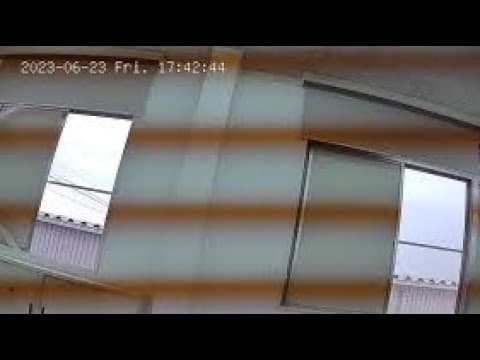
How to solve color lining wavy picture for ip camera (black line)
Colorvu IP camera black or color lining picture issue?
 Troubleshooting
How to remove sharing of ICsee wifi camera & change the password
Cancel wifi camera sharing & block access for future
 Troubleshooting
How to fix Dvr input signal out of range issue showing in the Monitor
Input signal out of range problem?
 Troubleshooting
How to solve warm light led blinking continuously of Colorvu ip camera
Colorvu IP Camera LED light continuously on & off problem?
 Troubleshooting
How to share ICsee wifi camera with 3 or 4 mobiles
Share ICsee wifi camera with anyone
 Troubleshooting
How to Smart playback of Sintech Dvr with monitor
 Troubleshooting
How to enable Cloud recording for Dvr & Nvr with XMeye pro app
Cloud recording setup for XMeye DVR & NVR
 Troubleshooting
How to solve one ip camera offline & no picture problem
1 or 2 ip camera offline or no picture issue?
 Troubleshooting
How to playback & take backup for ICsee Wifi camera all model
Wifi camera Playback & take backup with ICsee mobile app
 Troubleshooting
How to fix dvr & nvr restart problem, stuck on boot logo & system hang issue
DVR hang & restart, stuck on boot logo ?
 Troubleshooting
How to solve all ip cameras offline & no picture issue with Nvr
All ip camera no picture & offline problem?
 Troubleshooting
How to fix Dvr & Nvr not recording problem
cctv camera not recording issue ?
 Troubleshooting
How to solve one ip camera signal dropping & keep going offline online problem
1 or 2 ip camera signal dropping & keep going offline online?
 Troubleshooting
How to take CCTV Backup in Pen-drive & playback in laptop PC
Take cctv camera backup in Pendrive & play in Laptop
 Troubleshooting
How to solve all ip cameras signal dropping & keep going offline online problem
All the ip cameras lagging, buffering, signal dropping & picture keep going offline online?
 Configuration
How to setup Laptop view for ICsee Wifi camera with VMS lite software
Laptop view setup for all model ICsee wifi camera
 Troubleshooting
How to reset password for Xmeye Dvr or Nvr
Dvr Nvr Password reset process
 Troubleshooting
How to add Hikvision ip camera with Sintech XMeye NVR (Hikvision camera add to any onvif Nvr)
Enable onvif in the Hikvision ip camera and add to any ONVIF NVR
 Configuration
How to setup Mobile view for C40 pro Wifi camera with ICsee app
Mobile viewing setup for C40 pro wifi camera
 Configuration
How to setup Laptop view for Dvr & Nvr through VMS lite software
Laptop view setup of Xmeye DVR & NVR
 Configuration
How to add or connect Sintech IP Camera with Hikvision Nvr (Onvif ip camera connect with Hikvision)
Connect ONVIF ip cameras with Hikvision Nvr If the camera doesn't work, Reset the camera and try again
 Configuration
How to setup Mobile view for Wifi Robot camera C11 & C12 pro
WiFi Robot camera Mobile view setup for C11 pro & C12 pro
 Configuration
How to fix Nvr & Dvr can't connect to internet for Mobile view
Dvr Nvr can't connect to the internet ?
 Troubleshooting
How to Reset Sintech IP Camera with IPC Batch Tool by Laptop
Factory reset of Sintech ip cameras by Laptop
 Configuration
How to setup network printing for Receipt billing printer 701UL & 705ULA
701UL & 705ULA Receipt printer driver install setup & printing through Cat6 cable If you can't print a test page after the setup, try the same process with another PC
 Troubleshooting
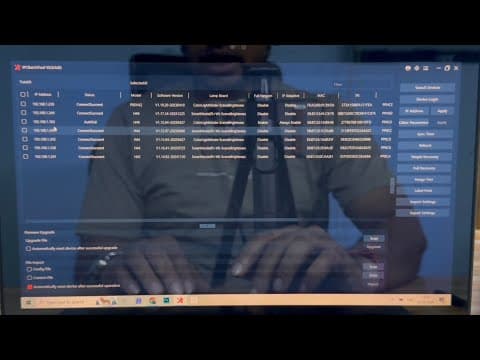
How to change ip address of Sintech ip camera with IPC Batch Tool by Laptop
IP Camera not showing or can't be add to the NVR ? If the IP camera is not showing in the IPC Batch tool, then change Rj45 jack & check the cable
 Installation
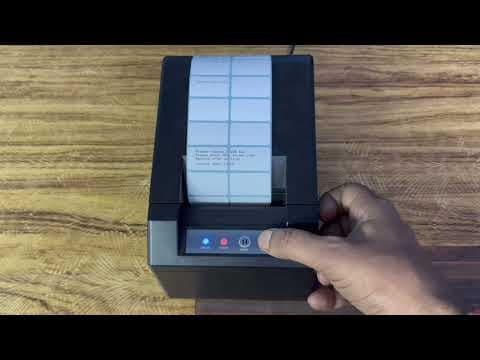
How to install driver for 701UL Receipt billing printer through USB cable (705ULA)
Driver installation setup of 701UL, 702UW & 705ULA Receipt billing printer if can't print a test page after setup, then try the same process with another PC
 Configuration
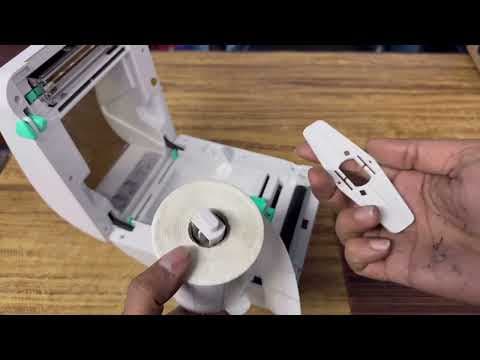
How to change printing mode of 805UL 2in1 printer
805UL 2in1 printer Mode change for Receipt & MRP printing
 Configuration
910UL Barcode MRP printer paper roll fitting & introductions
Paper fitting & instructions of 910UL printer
 Installation
How to install driver of 910UL MRP Printer by USB cable
910UL driver installation & USB cable printing setup
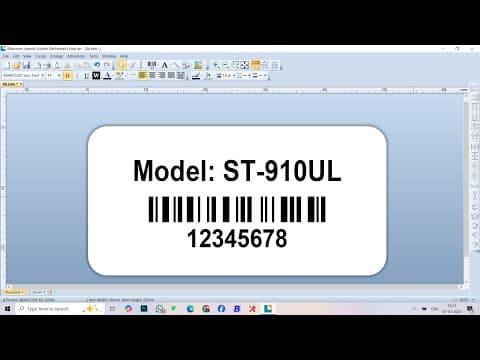 Installation
How to install, design & print MRP sticker with Bartender PC software
Bartender software mrp sticker designing instruction
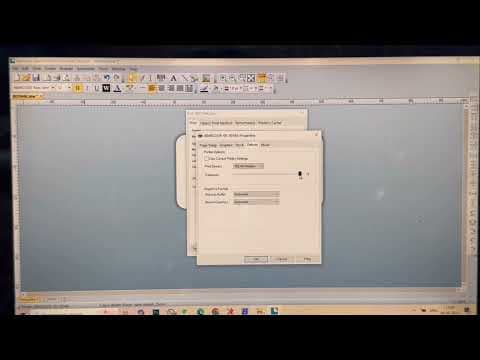 Configuration
How to increase print density & darkness for Barcode MRP printer
increase printing darkness for all model barcode mrp printers
 Configuration
How to Calibrate Sensor of 910UL mrp printer to fix printing error
910UL Mrp printer showing error while printing ?
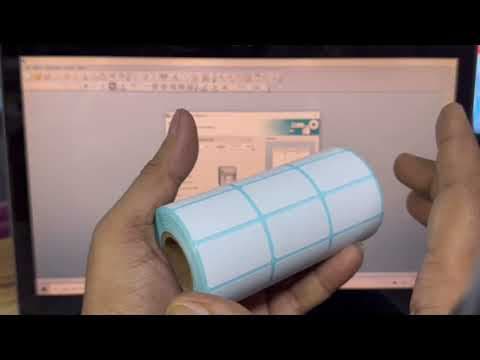 Configuration
How to find MRP sticker size & design correctly with Bartender PC Software
MRP Sticker size & create sticker correctly with Bartender Pc software
 Configuration
How to setup Mobile printing of 805UL Barcode MRP printer
805UL printer mobile printing setup
 Configuration
How to paper fitting of 805UL Barcode MRP printer
805UL Paper fitting instructions
 Configuration
How to setup Mobile printing of 910UL Barcode MRP printer by 4Barcode App
910UL Mrp printer Mobile printing setup by 4Barcode App
 Configuration
How to design MRP stickers by 4Barcode Mobile App
MRP Stickers designing by 4Barcode mobile App
 Configuration
How to setup Network Printing of 908UL MRP Sticker Printer by Laptop PC
908UL Mrp printer Laptop printing setup by Network cable
 Configuration
How to setup 912UB MRP sticker printer by Laptop PC through USB cable
912UB Mrp printer Laptop printing by USB cable setup
 Configuration
How to Setup 912UB MRP Label sticker printer for printing by 4Barcode Bluetooth Mobile App
912UB Bluetooth Mrp printer Mobile printing setup
 Configuration
How to Setup 908ULB MRP Label sticker printer by Bluetooth for 4Barcode Mobile App printing
908ULB Bluetooth Mrp printer mobile app printing setup
 Configuration
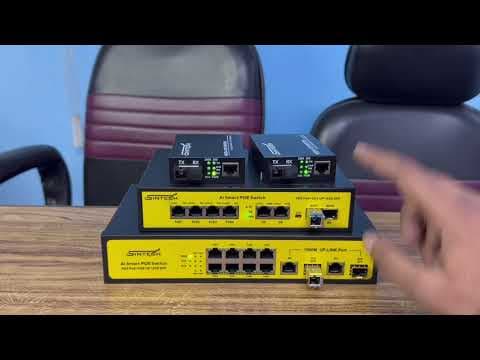
How to connect Sintech 8port Fiber switch with poe switch & media converter
Connection between Fiber switch, Poe switch & Media converter
 Configuration
How to setup and use of endoscopic camera with Mobile app Usee Plus
Mobile setup of Endoscopic snake camera
 Configuration
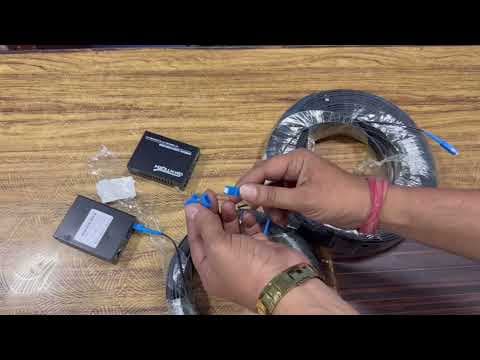
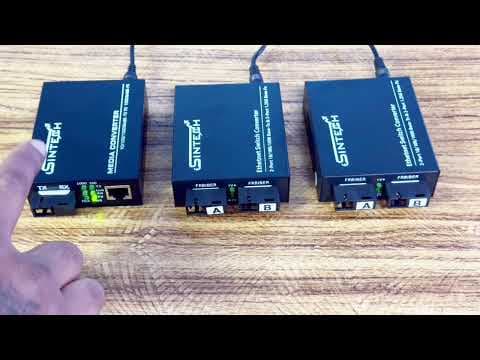
How to connect Media converter with Fiber cable drop wire
Fiber drop cable & Media converter connection diagram
 Configuration
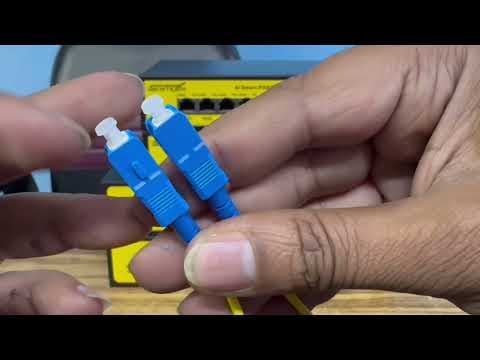
How to connect double port Fiber media converter with 2port Rj45
Pole to pole connection through double port Fiber media converter
 Configuration
How to connect two or more Poe switches with SFP Fiber port through fiber cable
POE switch Fiber port connection diagram
 Configuration
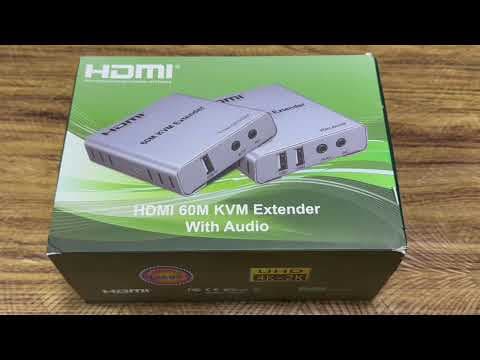
How to connect Hdmi Kvm Extender with Nvr & Monitor through Cat6 cable
KVM Connection diagram
 Troubleshooting
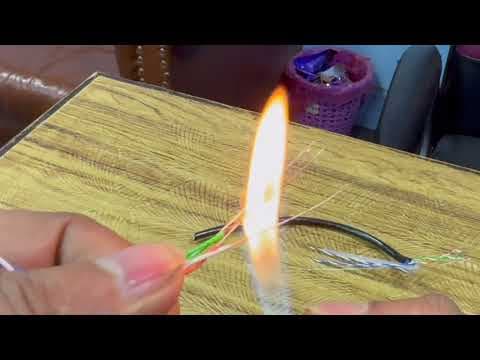
How to identify & differentiate between Sintech CAT6 Pure copper cable and Cat6 CCA Cable
Pure copper vs CCA material
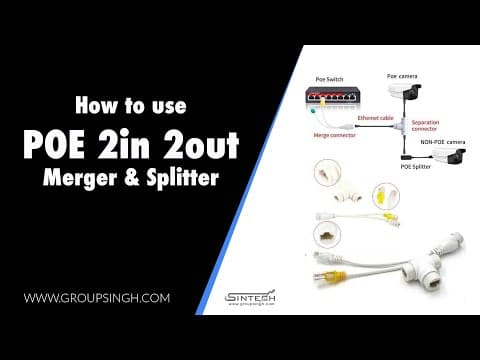 Configuration
How to connect Sintech 2 in 2 out POE merger and splitter
Connection diagram of 2in 2out Merger splitter
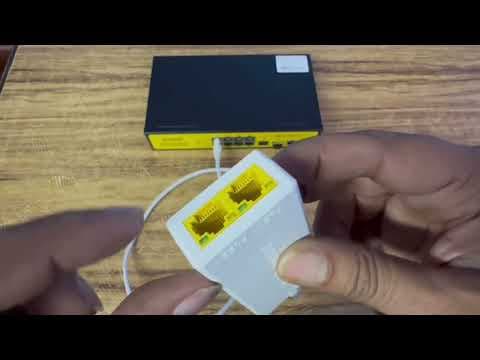 Configuration
How to connect two ip cameras with single Cat6 cable
(Poe repeater vs poe merger splitter)
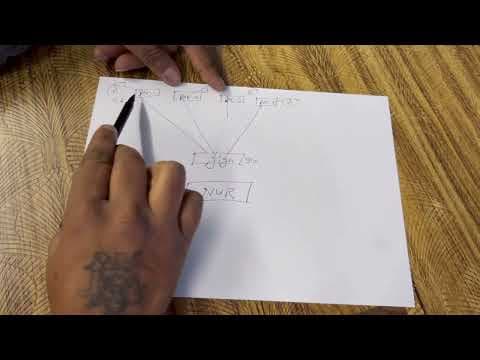 Troubleshooting
Professional wiring diagram & structure for big quantity Sintech IP cameras work smoothly
Systematic wiring diagram & structure for ip cameras work smoothly
 Configuration
How to program and use of Sintech Pabx TC-416AC, TC-424AC & TC-432AC (TC-2000AC)
How to program AC model pabx system
 Troubleshooting
Sintech Nvsee NVR remote view by Laptop or Computer
 Troubleshooting
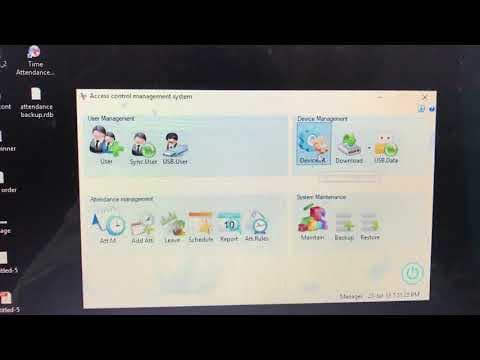
Sintech cloud attendance setup part 2
 Troubleshooting
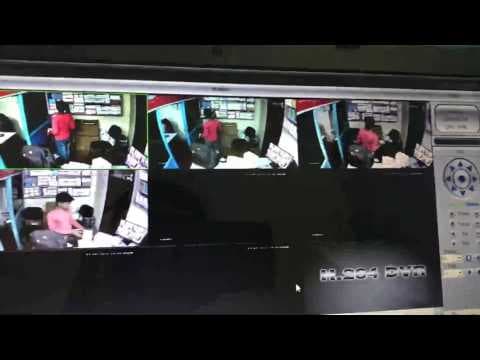
Sintech XMeye DVR remote viewing by Computer or laptop
 Troubleshooting
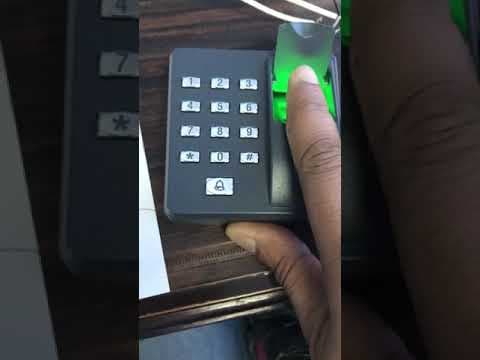
How to connect and configure Sintech X6 access control
 Troubleshooting
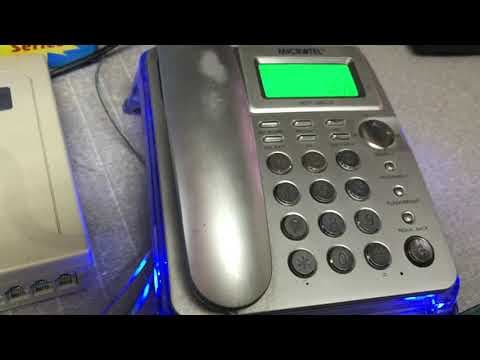
Sintech pabx programming TC-108C PABX
 Troubleshooting
How to setup configure Sintech WiFi Robot camera with ICsee app (C10 pro easy installation)
 Troubleshooting
How to access live view Sintech cctv camera with Xmeye DVR/NVR on Computer or Laptop (VMS)
 Troubleshooting
How to calculate or print Sintech attendance monthly/daily Report...
 Troubleshooting
Sintech cloud attendance setup part 1
 Troubleshooting
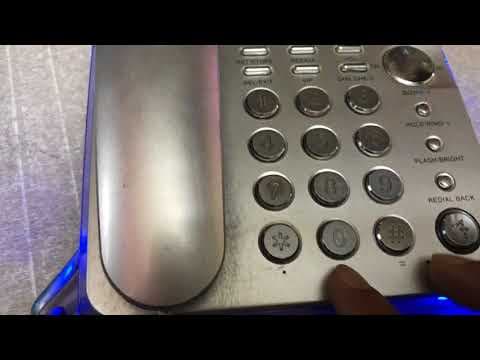
Sintech pabx programming for TC-308, TC-312, TC-416, TC-424, TC432
 Troubleshooting
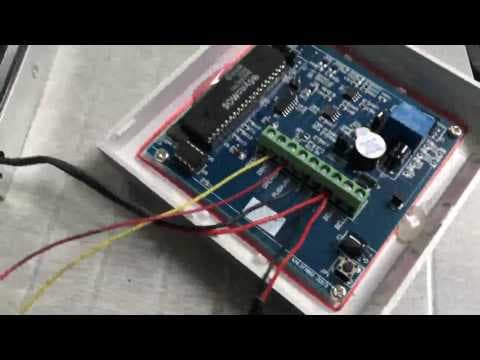
Sintech Access control connection & program Setup for SAC 105
 Troubleshooting
How to setup Sintech C10 pro wifi camera with ICSEE app
 Troubleshooting
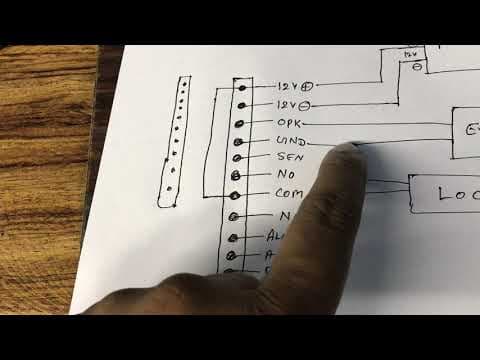
How to configure Sintech F21 Access & attendance device
 Troubleshooting
Sintech Video door phone Apartment system Configuration & connection (ST-906AP)
 Troubleshooting
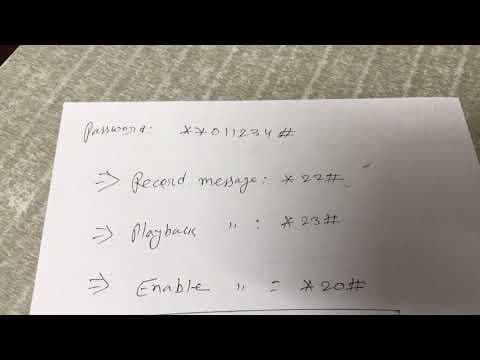
Welcome message recording for Sintech pabx programming (TC-308, TC-312, TC-416, TC-424, TC-432)
 Troubleshooting
How to setup Sintech C14 pro video calling wifi camera by ICsee mobile app (configure by bluetooth)
 Troubleshooting
How to setup Sintech Nvsip Dvr/Nvr for remote viewing by Mobile
 Troubleshooting
Sintech Access control connection & program Setup for SAC-107
 Troubleshooting
How to setup configure Sintech C20 pro PTZ WiFi camera with ICsee app…
 Troubleshooting
How to setup Sintech dvr nvr for live view cctv camera by mobile (Xmeye dvr online setting 2023)
 Troubleshooting
SINTECH Xmeye DVR Mobile viewing setup
Warranty and repairs
Bought from a Sintech partner? Contact them first and they will handle the claim with us. Partners raise warranty claims and track repairs in the partner portal.