Not a partner yet? Become a Sintech partner
Overview
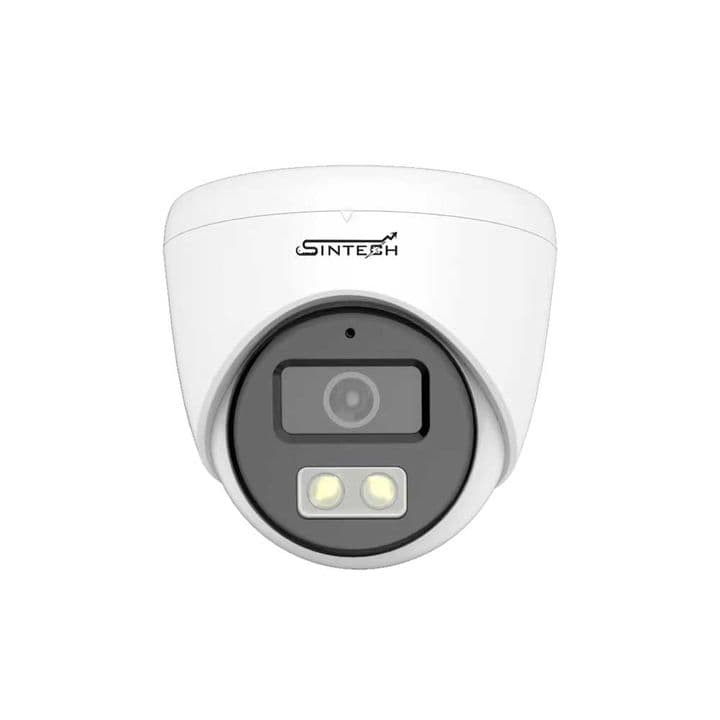
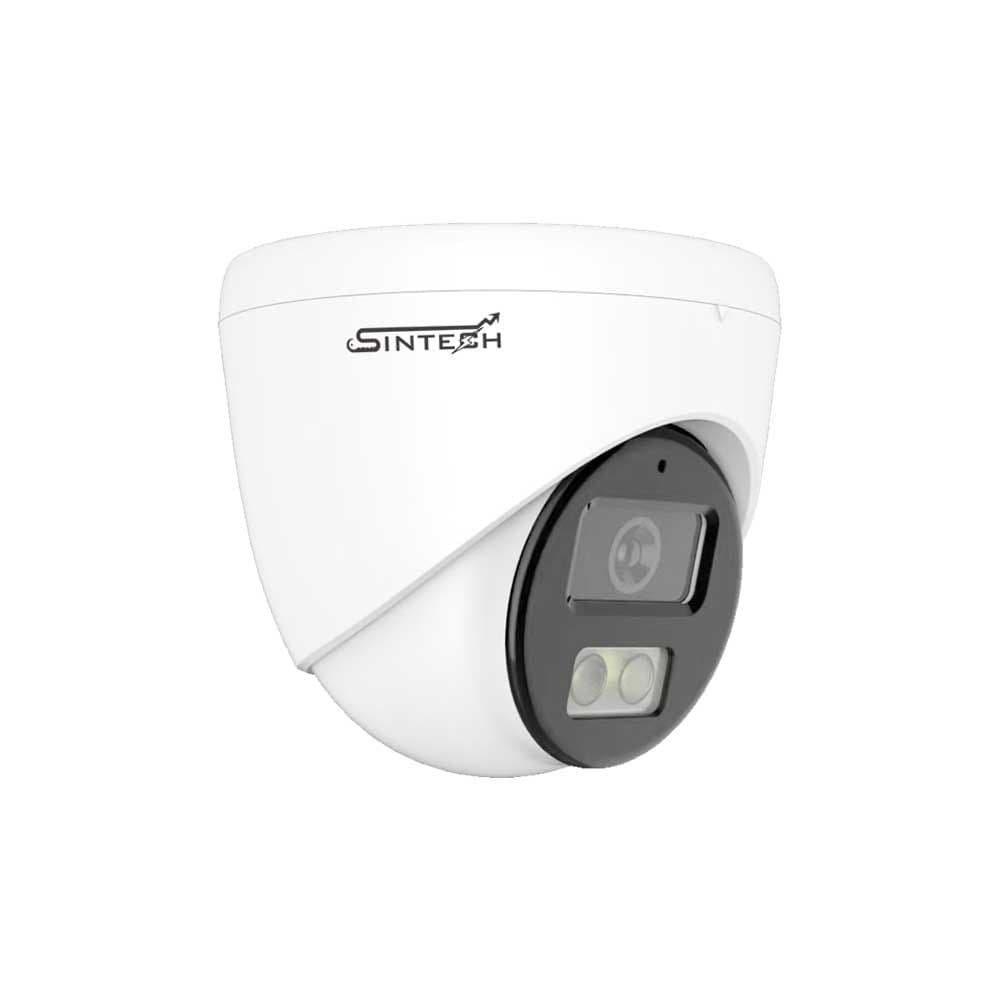
This is Double light Smart night vision 5mp ip poe dome camera with full color image when human detected and IR night vision when no one detected.
Key specs
- 5MP Dual light smart ip dome camera
- Resolution: 2880x1616 UHD (5MP)
- Lens: 1/3" 3.6MM SONY Sensor
- Mic built-in for crystal clear audio
- ONVIF support & H265+ compression
Setup videos
 Troubleshooting
How to disable & turn off mic audio recording in ip camera
Stop audio recording for ip cameras
 Troubleshooting
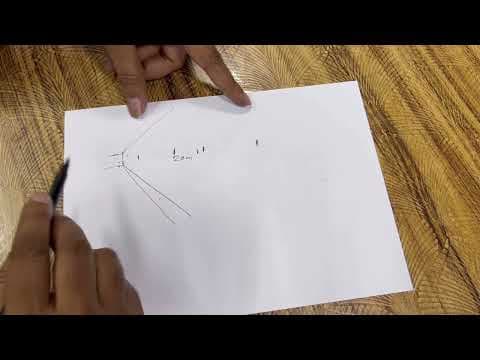
How to choose perfect veri-focal zooming ahd & ip camera
(cctv camera zooming feature explanation)
 Troubleshooting
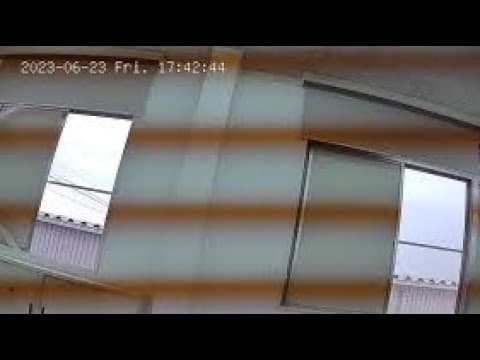
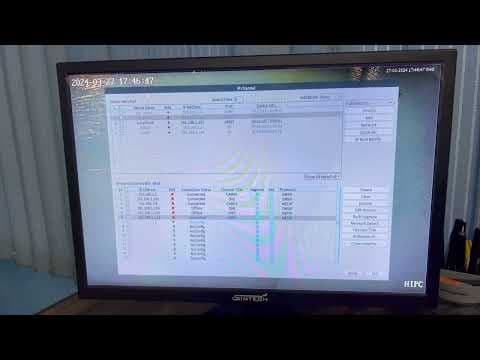
How to solve color lining wavy picture for ip camera (black line)
Colorvu IP camera black or color lining picture issue?
 Troubleshooting
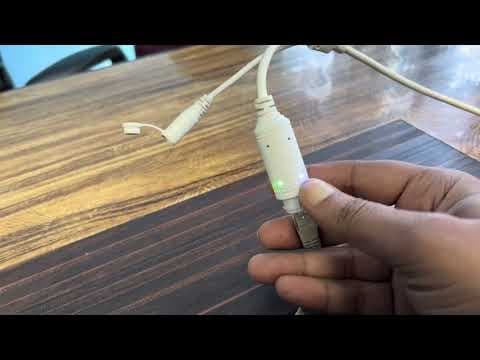
How to solve warm light led blinking continuously of Colorvu ip camera
Colorvu IP Camera LED light continuously on & off problem?
 Troubleshooting
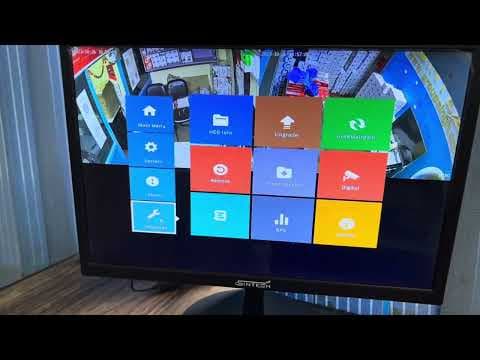
How to solve one ip camera offline & no picture problem
1 or 2 ip camera offline or no picture issue?
 Troubleshooting
How to solve all ip cameras offline & no picture issue with Nvr
All ip camera no picture & offline problem?
 Troubleshooting
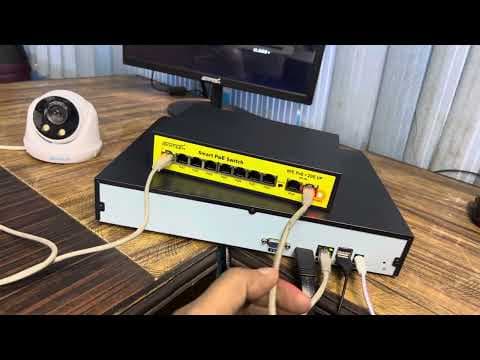
How to solve one ip camera signal dropping & keep going offline online problem
1 or 2 ip camera signal dropping & keep going offline online?
 Troubleshooting
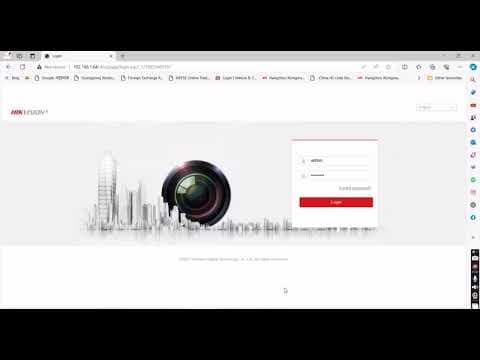
How to solve all ip cameras signal dropping & keep going offline online problem
All the ip cameras lagging, buffering, signal dropping & picture keep going offline online?
 Troubleshooting
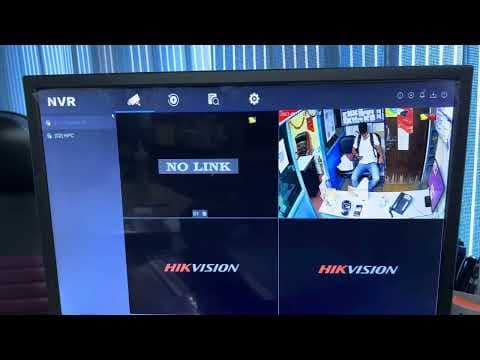
How to add Hikvision ip camera with Sintech XMeye NVR (Hikvision camera add to any onvif Nvr)
Enable onvif in the Hikvision ip camera and add to any ONVIF NVR
 Configuration
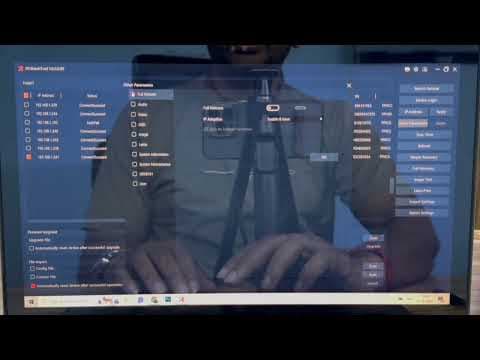
How to add or connect Sintech IP Camera with Hikvision Nvr (Onvif ip camera connect with Hikvision)
Connect ONVIF ip cameras with Hikvision Nvr If the camera doesn't work, Reset the camera and try again
 Troubleshooting
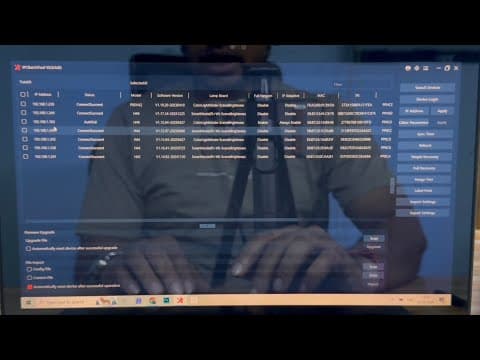
How to Reset Sintech IP Camera with IPC Batch Tool by Laptop
Factory reset of Sintech ip cameras by Laptop
 Troubleshooting
How to change ip address of Sintech ip camera with IPC Batch Tool by Laptop
IP Camera not showing or can't be add to the NVR ? If the IP camera is not showing in the IPC Batch tool, then change Rj45 jack & check the cable
Software and drivers
- IPC Batch Toolv2.85
Tool· Windows· 22 Oct 2026· 55MB
Tool· Windows· 18 Oct 2026· 4MB